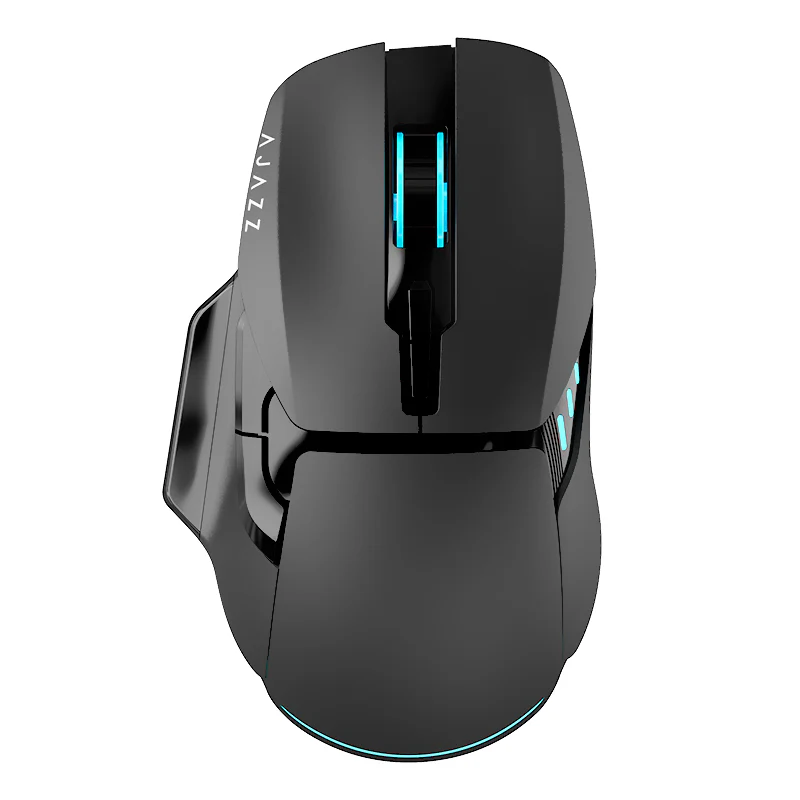
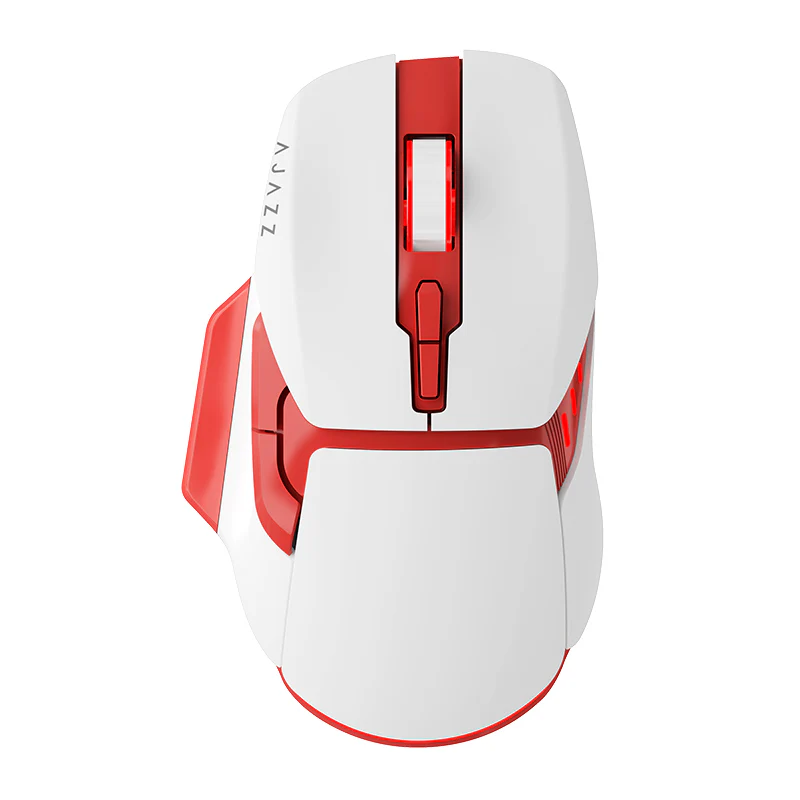
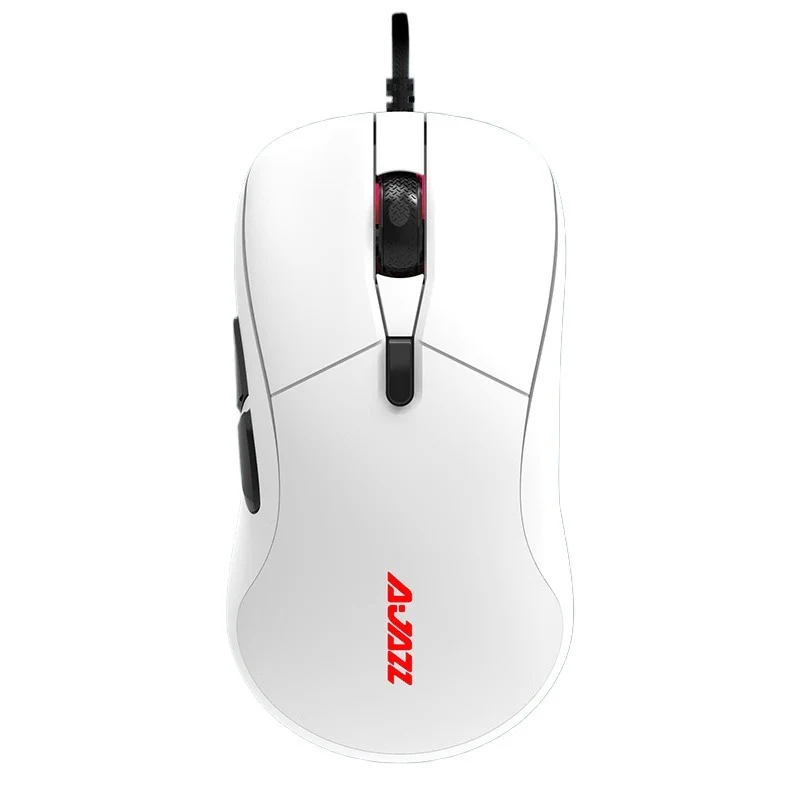
Ajazz AJ200 NL AI MC AI Gaming Mouse Voice-Activated Combos / AFK Mode for International Servers
Ajazz AJ200 NL AI MC AI Gaming Mouse Voice-Activated Combos / AFK Mode for International Servers
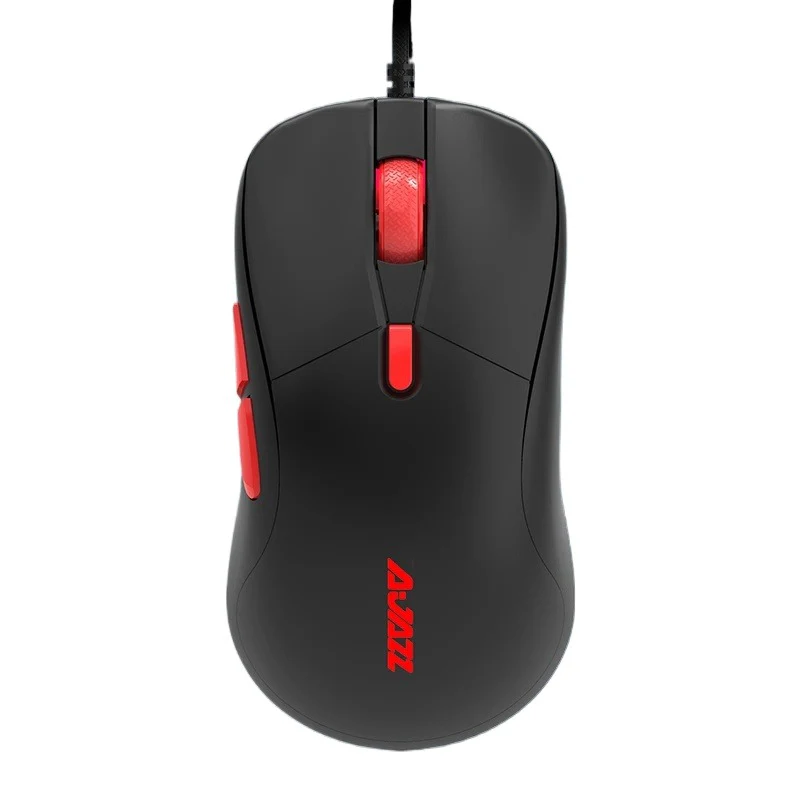
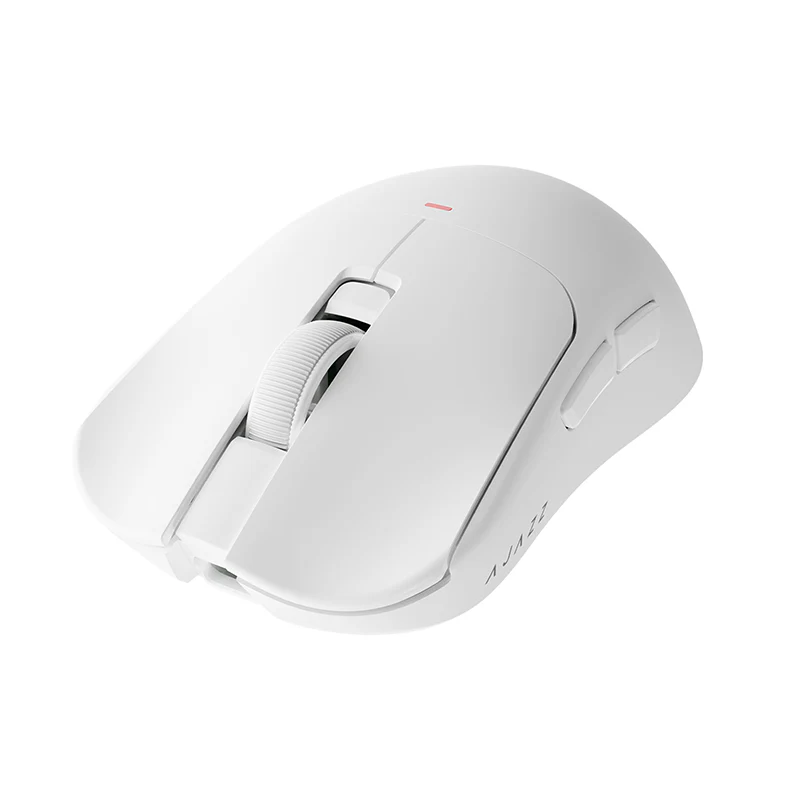
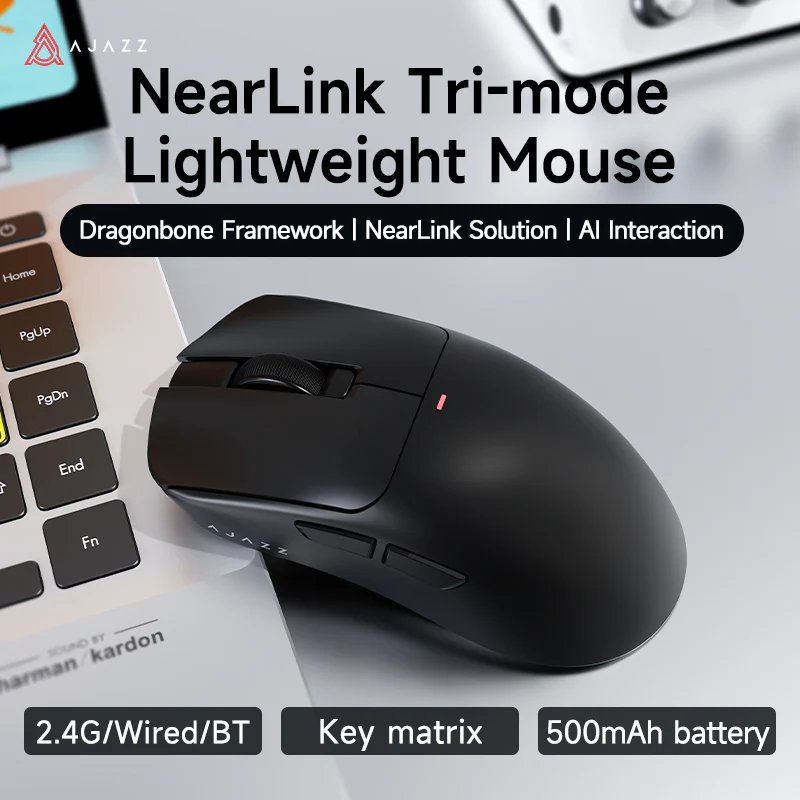
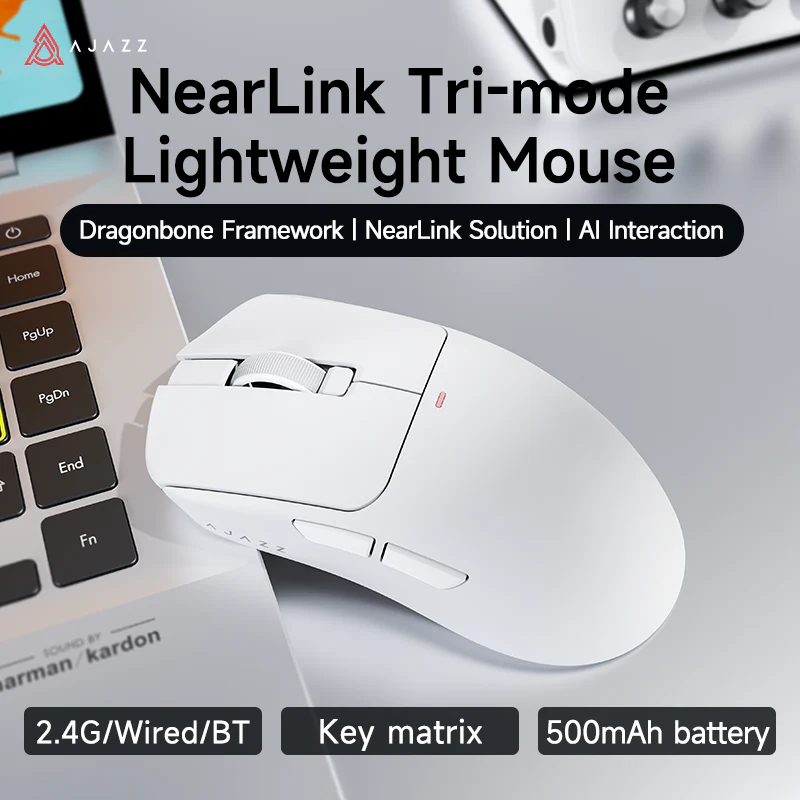
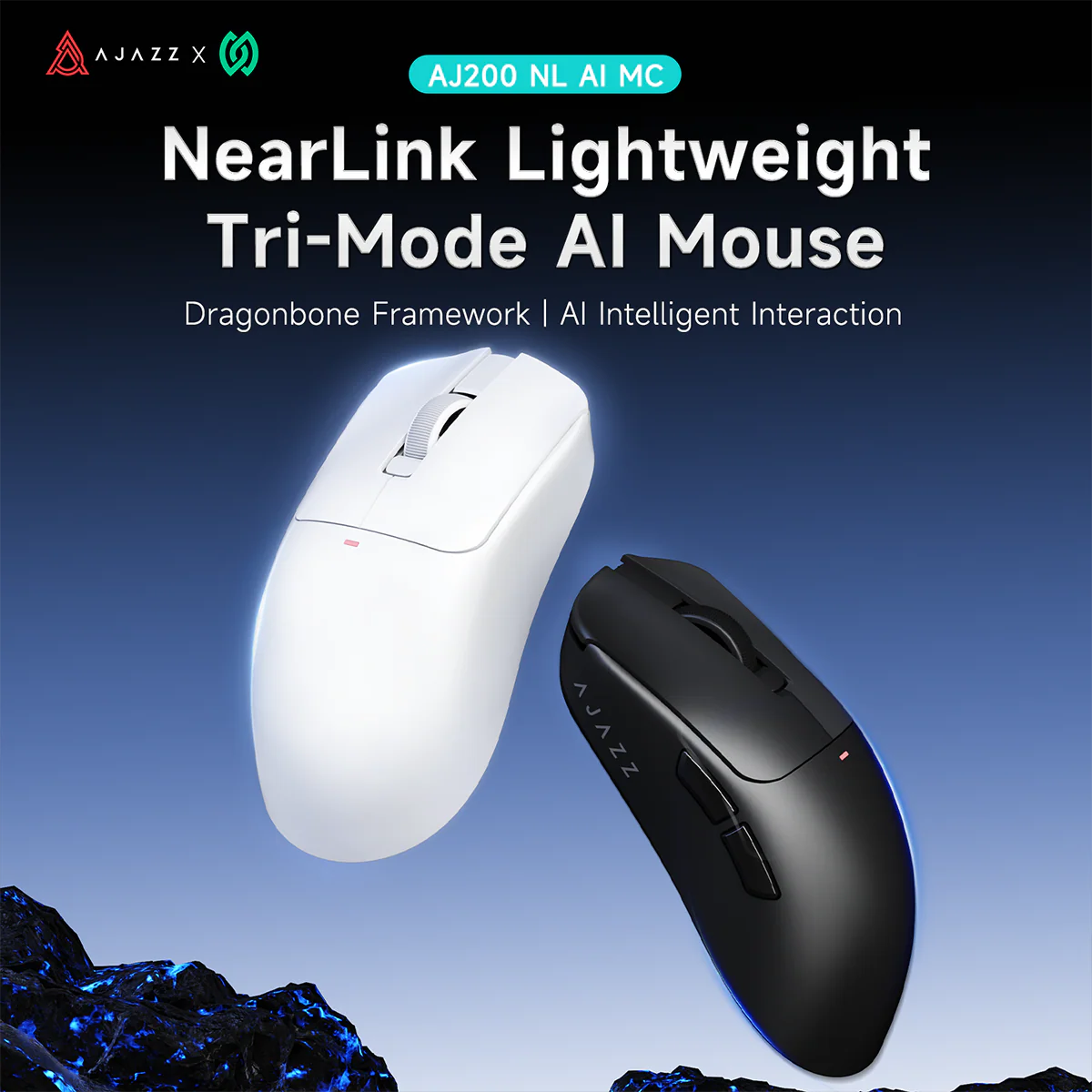
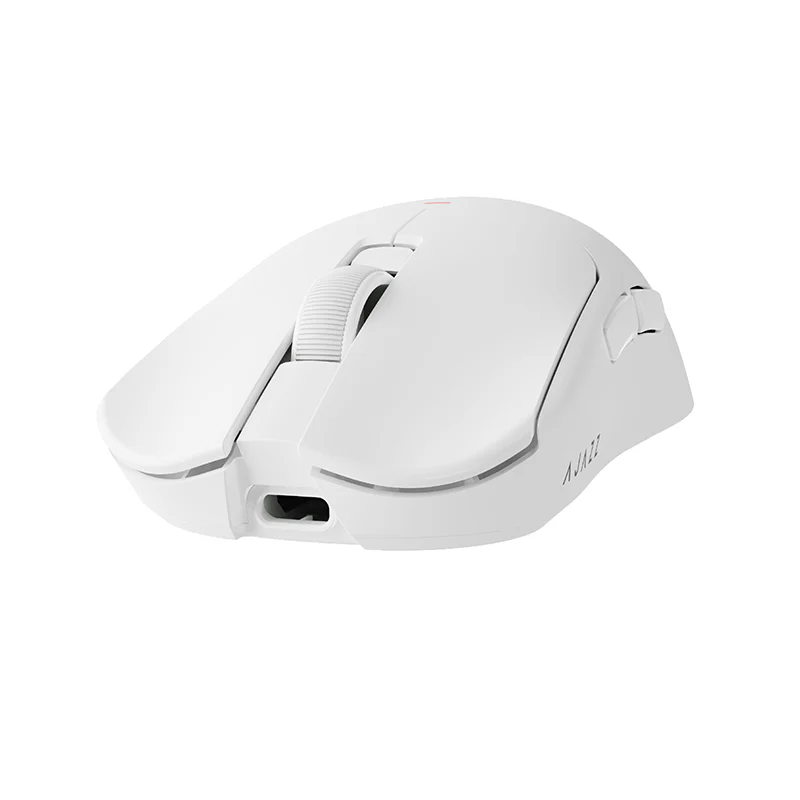
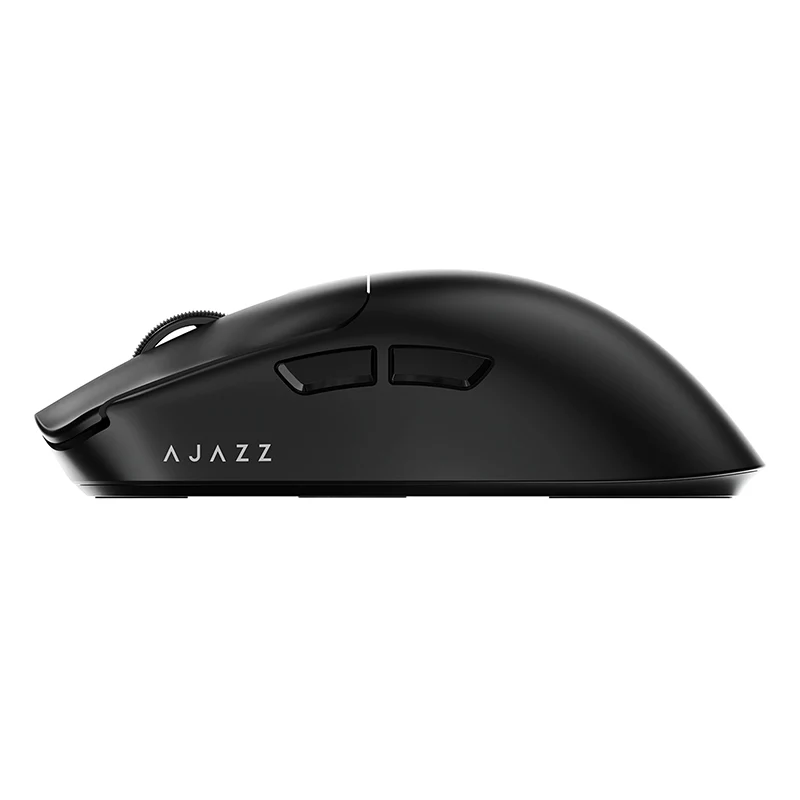
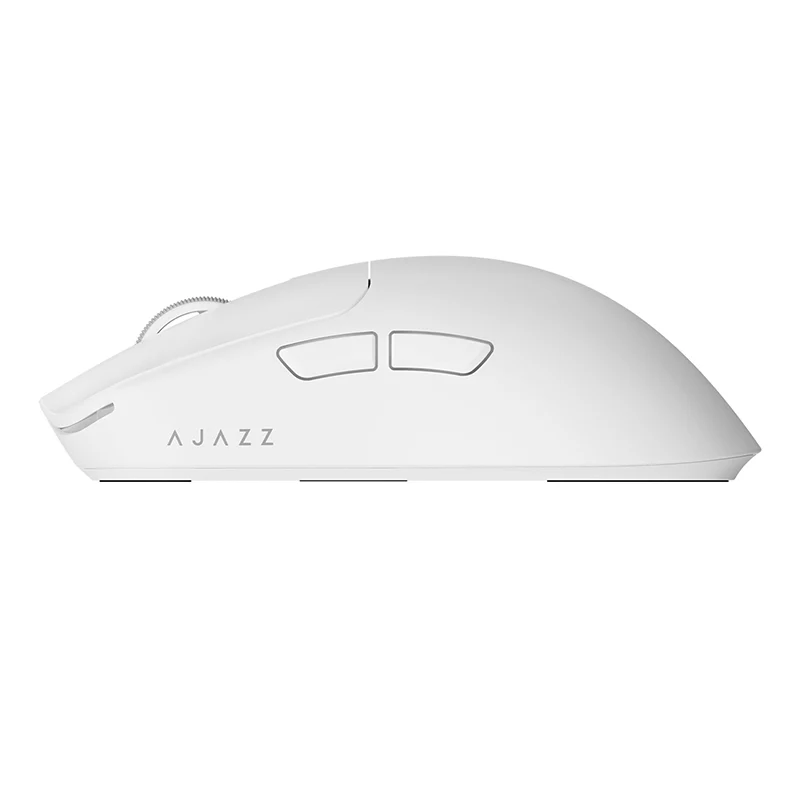
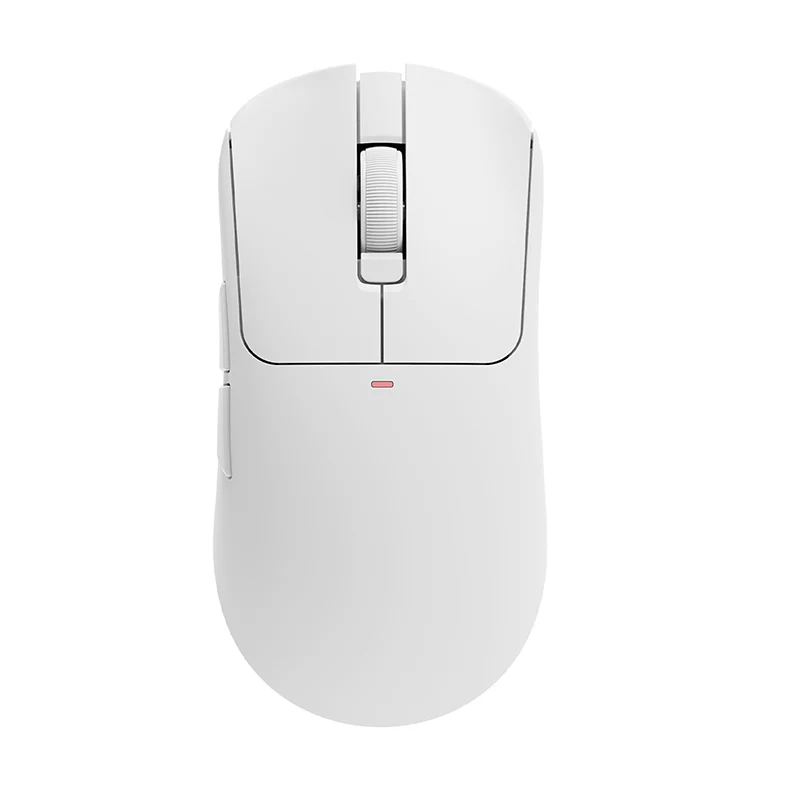
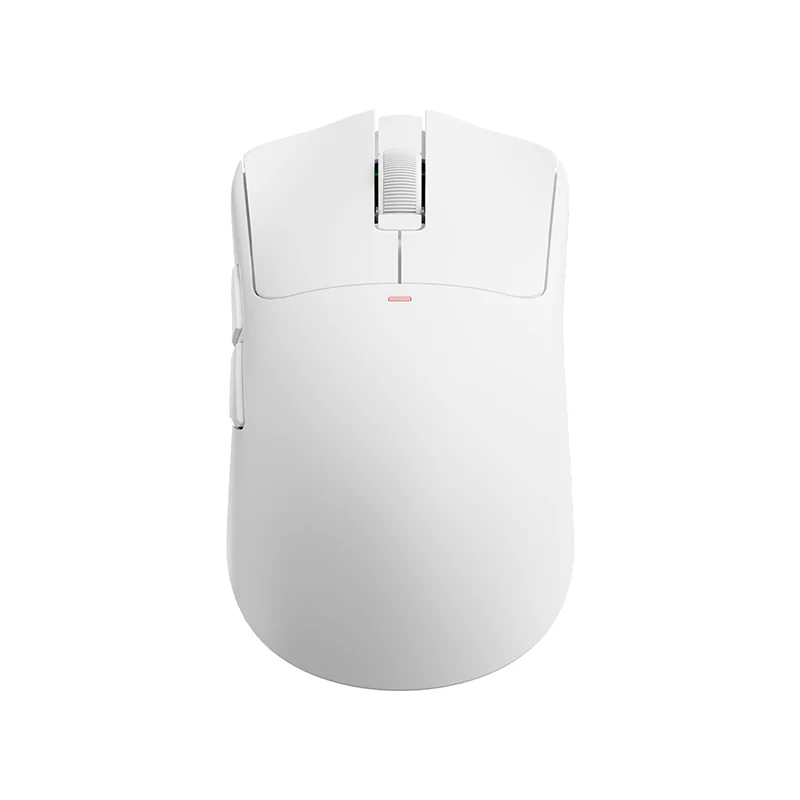
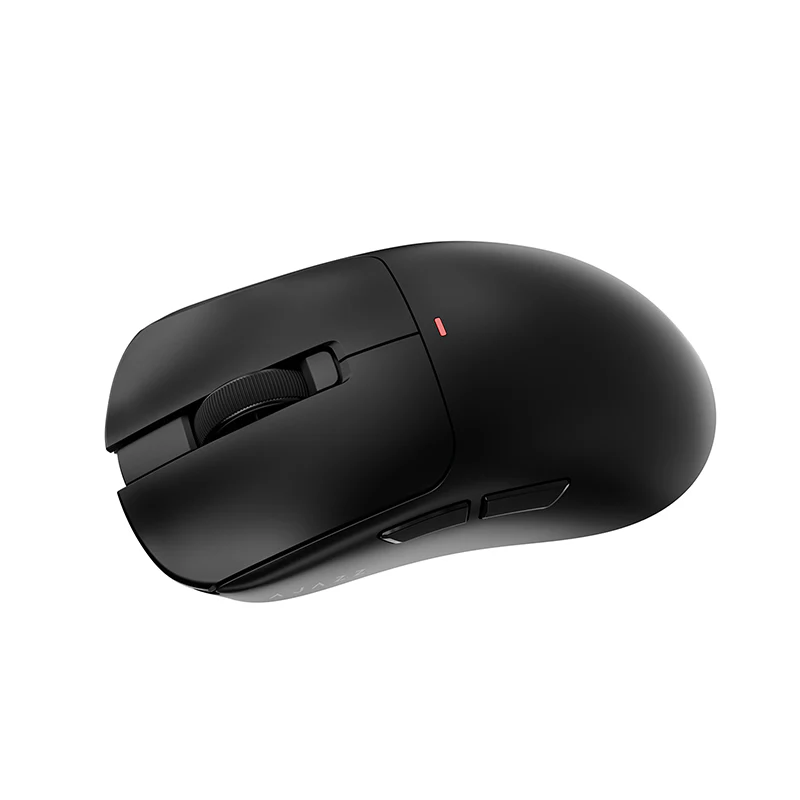
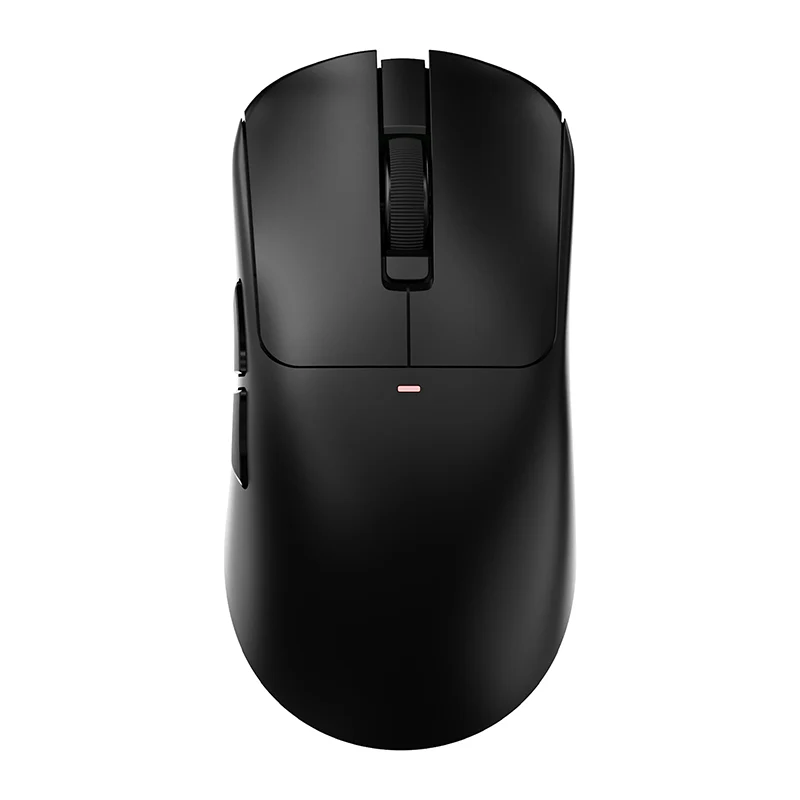
AJAZZ AJ200 NL AI MC AI gaming mouse features a voice assistant that allows for macro customization of mouse buttons an essential tool for both gaming and office work.Voice chat for playing games on foreign servers triggers combos/AFK (away from keyboard), facilitating cross-border communication and foreign language chat.
I. Core AI Features and Detailed Overview
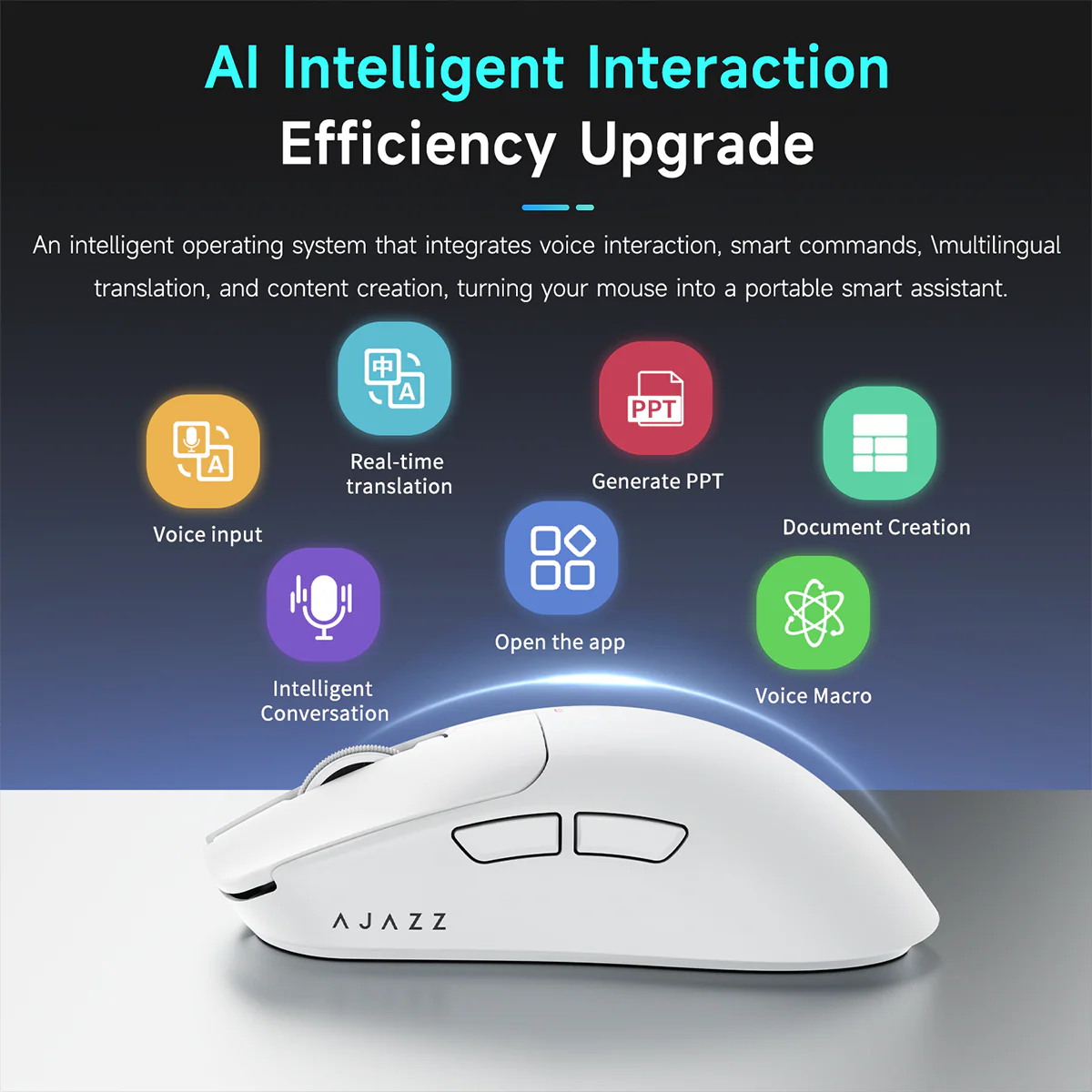
1. Simultaneous Voice Input (Most Practical)
Operation: Long-press the custom AI key and speak directly.
Effect: Speech is converted to text on-screen in real-time with high accuracy, automatically adding punctuation (commas, periods, question marks).
Use Cases:
Office Work: Quickly draft documents, reply to messages, and take notes—keeping your hands free.
Gaming: Chat quickly within games without interrupting gameplay.
Tip: Pair a short-press action set to "Enter" to enable a "Long-press to speak → Short-press to send" workflow.
2. Simultaneous Real-time Translation
Operation: Assign to a separate AI key; long-press to speak, and the audio is automatically translated and input.
Support: Mutual translation between 67 languages (e.g., Chinese ↔ English/Japanese/Korean/French, etc.; Foreign Language ↔ Chinese).
Use Cases:
Cross-border communication, chatting in foreign languages, and playing multiplayer games on international servers.
Browsing foreign-language webpages or watching videos—translate with a single key press.
3. Voice Command Control (Voice Assistant)
Operation: Long-press the AI key and speak your command.
Functions:
Launch Apps: "Open WeChat," "Open Browser."
Open Webpages: "Open Bilibili," "Open Baidu."
System/Media Controls: "Next Track," "Increase Volume."
Customization: Add frequently used programs or URLs via the driver software and assign specific keywords.
Use Cases: Say goodbye to searching for icons; launch applications instantly with a simple voice command.
4. "Xiaohei" AI Agent (Built-in ChatGPT-style Assistant)
Operation: Long-press the AI key to converse directly (or say "Xiaohei, Xiaohei" to wake it up).
Capabilities:
Q&A: Look up information, perform calculations, check the weather, write marketing copy.
Content Creation: Draft reports, generate PPT outlines, compose emails.
Chatting: Casual conversation, translation, programming advice.
Use Cases: Your personal AI assistant on the go—no need to open a webpage or separate app.
5. Voice Macros (Gaming Automation / Shortcuts)
Operation: Configure mouse macros (rapid clicks, combo sequences, loops) via the driver software, then trigger them using voice commands.
Use Cases:
Gaming: Trigger complex combos or automate repetitive tasks (AFK farming) via voice, keeping your hands free for gameplay.
Office Work: Execute complex keyboard shortcuts via voice commands (e.g., "Select All," "Save," "Take Screenshot"). II. General Applications of AI Features
Office Efficiency: Voice typing, translation, copywriting, and voice-controlled software—doubling your productivity.
Gaming Experience: Voice chat, in-game translation (for international servers), and voice-activated macros for combos or AFK automation.
Daily Convenience: Voice-based information lookup, PC control, and application launching—minimizing the need for manual clicks.
Usage Requirement: Requires installation of the Ajazz driver software (AI features are accessible only via the client application).
III. Setup Instructions (Within the Driver Software)
Download and install the Ajazz AJ200 driver software.
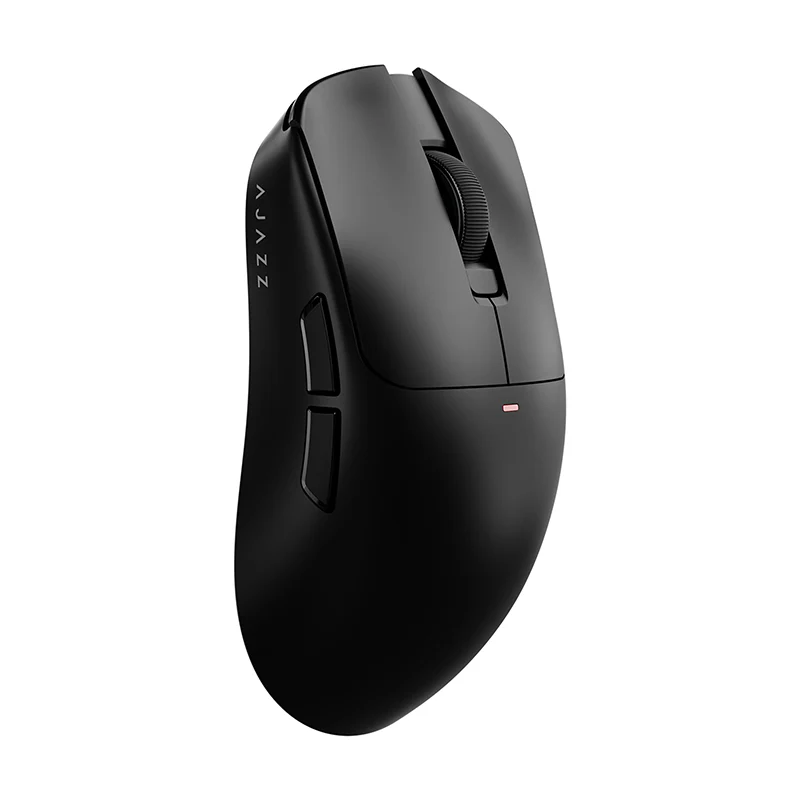
Navigate to "Key Settings" and configure the forward/backward side buttons as follows:
Long Press: Simultaneous Voice Input / Simultaneous Voice Translation / Voice Commands / "Xiaohei Chat" (AI Assistant).
Short Press: Enter / Screenshot / AI Agent, etc.
Save your configuration; you can then activate the desired function by simply long-pressing the corresponding button.


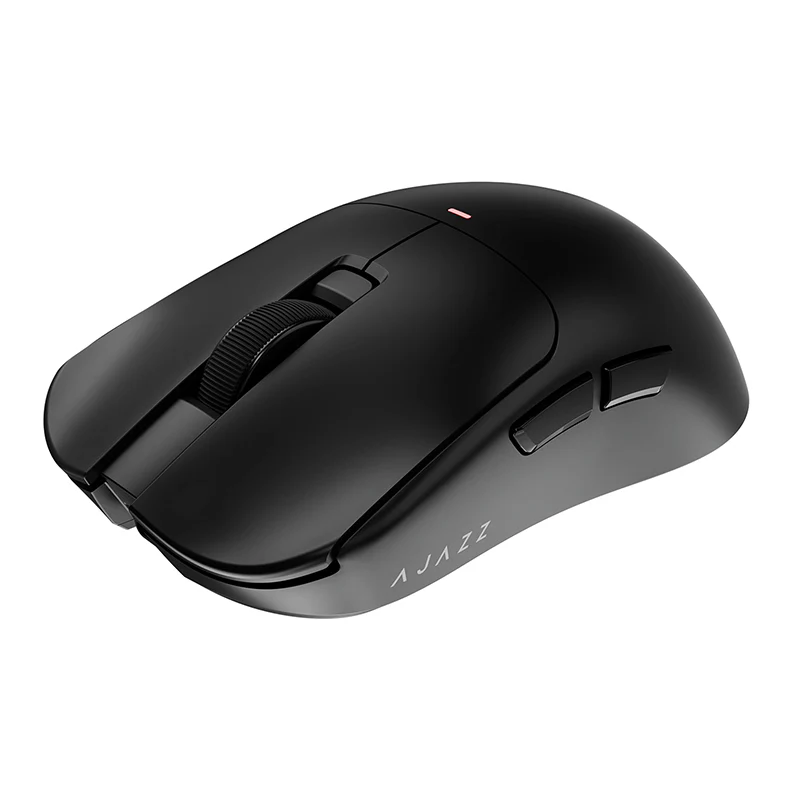


Description
AJAZZ AJ200 NL AI MC AI gaming mouse features a voice assistant that allows for macro customization of mouse buttons an essential tool for both gaming and office work.Voice chat for playing games on foreign servers triggers combos/AFK (away from keyboard), facilitating cross-border communication and foreign language chat.
I. Core AI Features and Detailed Overview
1. Simultaneous Voice Input (Most Practical)
Operation: Long-press the custom AI key and speak directly.
Effect: Speech is converted to text on-screen in real-time with high accuracy, automatically adding punctuation (commas, periods, question marks).
Use Cases:
Office Work: Quickly draft documents, reply to messages, and take notes—keeping your hands free.
Gaming: Chat quickly within games without interrupting gameplay.
Tip: Pair a short-press action set to "Enter" to enable a "Long-press to speak → Short-press to send" workflow.
2. Simultaneous Real-time Translation
Operation: Assign to a separate AI key; long-press to speak, and the audio is automatically translated and input.
Support: Mutual translation between 67 languages (e.g., Chinese ↔ English/Japanese/Korean/French, etc.; Foreign Language ↔ Chinese).
Use Cases:
Cross-border communication, chatting in foreign languages, and playing multiplayer games on international servers.
Browsing foreign-language webpages or watching videos—translate with a single key press.
3. Voice Command Control (Voice Assistant)
Operation: Long-press the AI key and speak your command.
Functions:
Launch Apps: "Open WeChat," "Open Browser."
Open Webpages: "Open Bilibili," "Open Baidu."
System/Media Controls: "Next Track," "Increase Volume."
Customization: Add frequently used programs or URLs via the driver software and assign specific keywords.
Use Cases: Say goodbye to searching for icons; launch applications instantly with a simple voice command.
4. "Xiaohei" AI Agent (Built-in ChatGPT-style Assistant)
Operation: Long-press the AI key to converse directly (or say "Xiaohei, Xiaohei" to wake it up).
Capabilities:
Q&A: Look up information, perform calculations, check the weather, write marketing copy.
Content Creation: Draft reports, generate PPT outlines, compose emails.
Chatting: Casual conversation, translation, programming advice.
Use Cases: Your personal AI assistant on the go—no need to open a webpage or separate app.
5. Voice Macros (Gaming Automation / Shortcuts)
Operation: Configure mouse macros (rapid clicks, combo sequences, loops) via the driver software, then trigger them using voice commands.
Use Cases:
Gaming: Trigger complex combos or automate repetitive tasks (AFK farming) via voice, keeping your hands free for gameplay.
Office Work: Execute complex keyboard shortcuts via voice commands (e.g., "Select All," "Save," "Take Screenshot"). II. General Applications of AI Features
Office Efficiency: Voice typing, translation, copywriting, and voice-controlled software—doubling your productivity.
Gaming Experience: Voice chat, in-game translation (for international servers), and voice-activated macros for combos or AFK automation.
Daily Convenience: Voice-based information lookup, PC control, and application launching—minimizing the need for manual clicks.
Usage Requirement: Requires installation of the Ajazz driver software (AI features are accessible only via the client application).
III. Setup Instructions (Within the Driver Software)
Download and install the Ajazz AJ200 driver software.
Navigate to "Key Settings" and configure the forward/backward side buttons as follows:
Long Press: Simultaneous Voice Input / Simultaneous Voice Translation / Voice Commands / "Xiaohei Chat" (AI Assistant).
Short Press: Enter / Screenshot / AI Agent, etc.
Save your configuration; you can then activate the desired function by simply long-pressing the corresponding button.